STRIMY in your Pocket
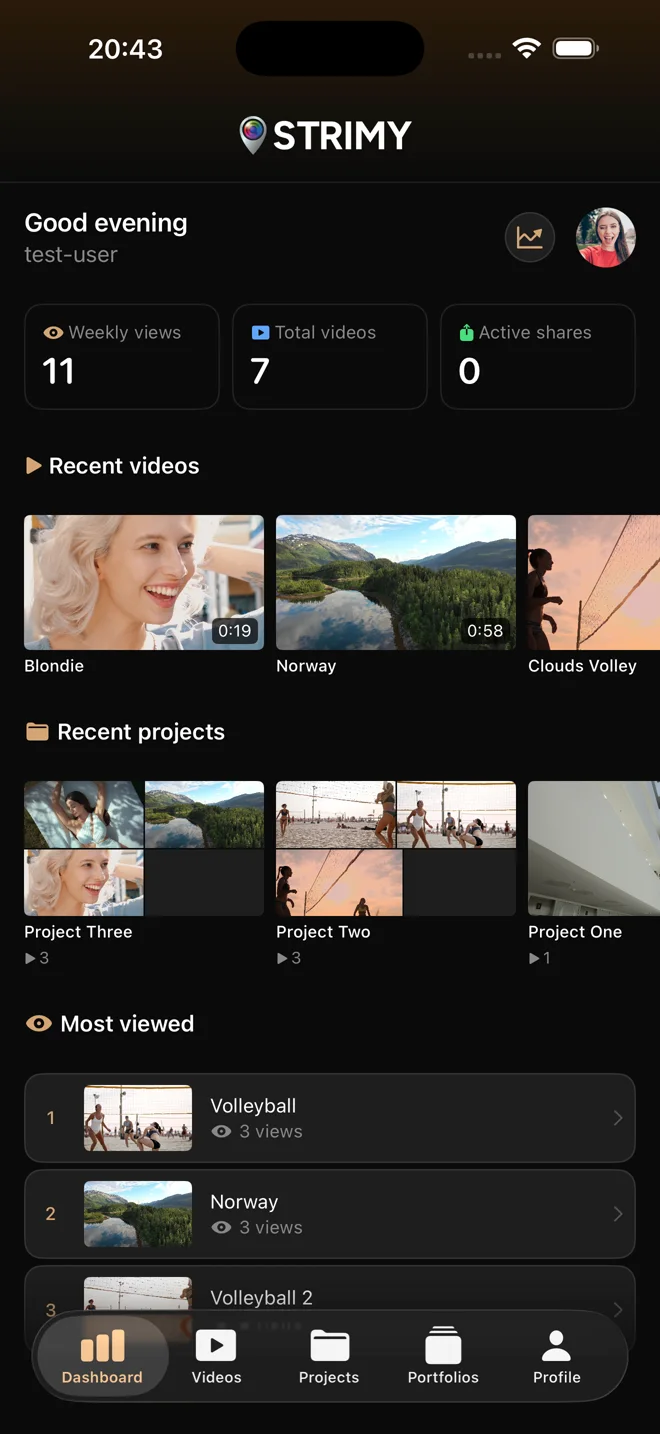
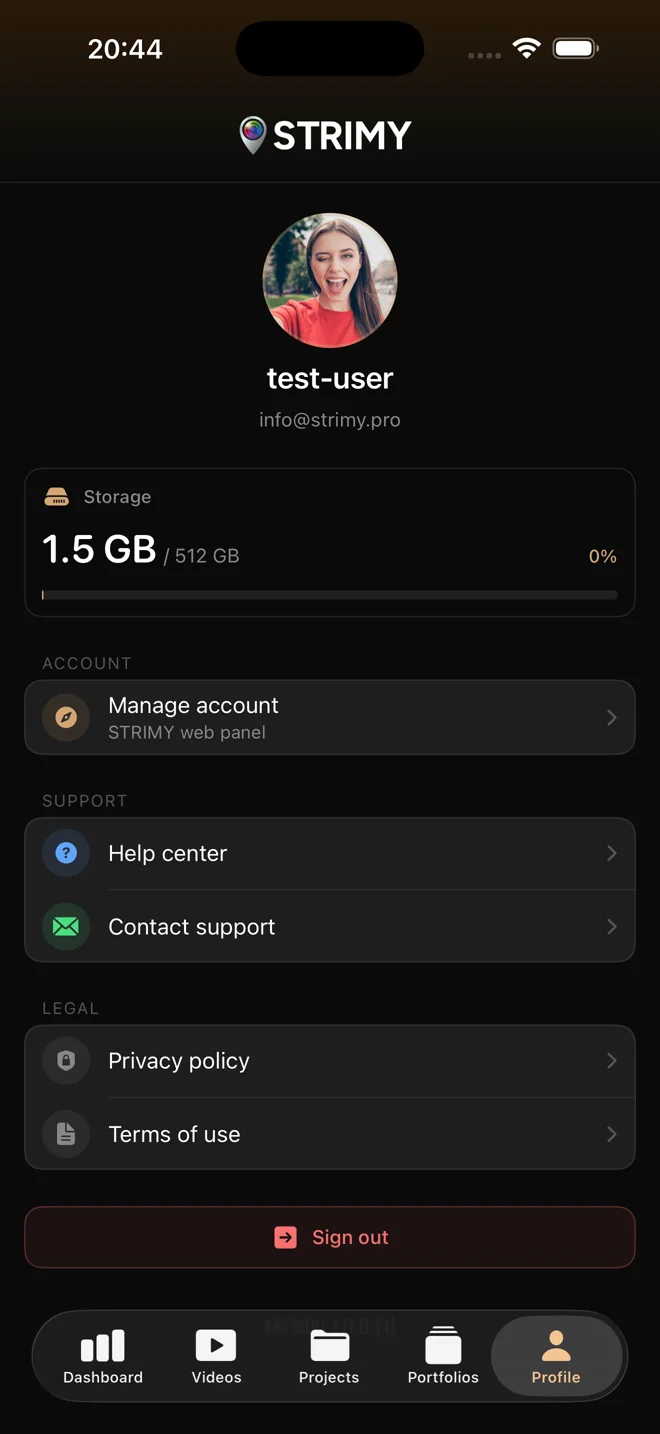
The STRIMY app for iPhone and Android is free and lets you check your dashboard, videos, projects, portfolios and stats from your phone by signing in with your STRIMY account.
What you can do in the app
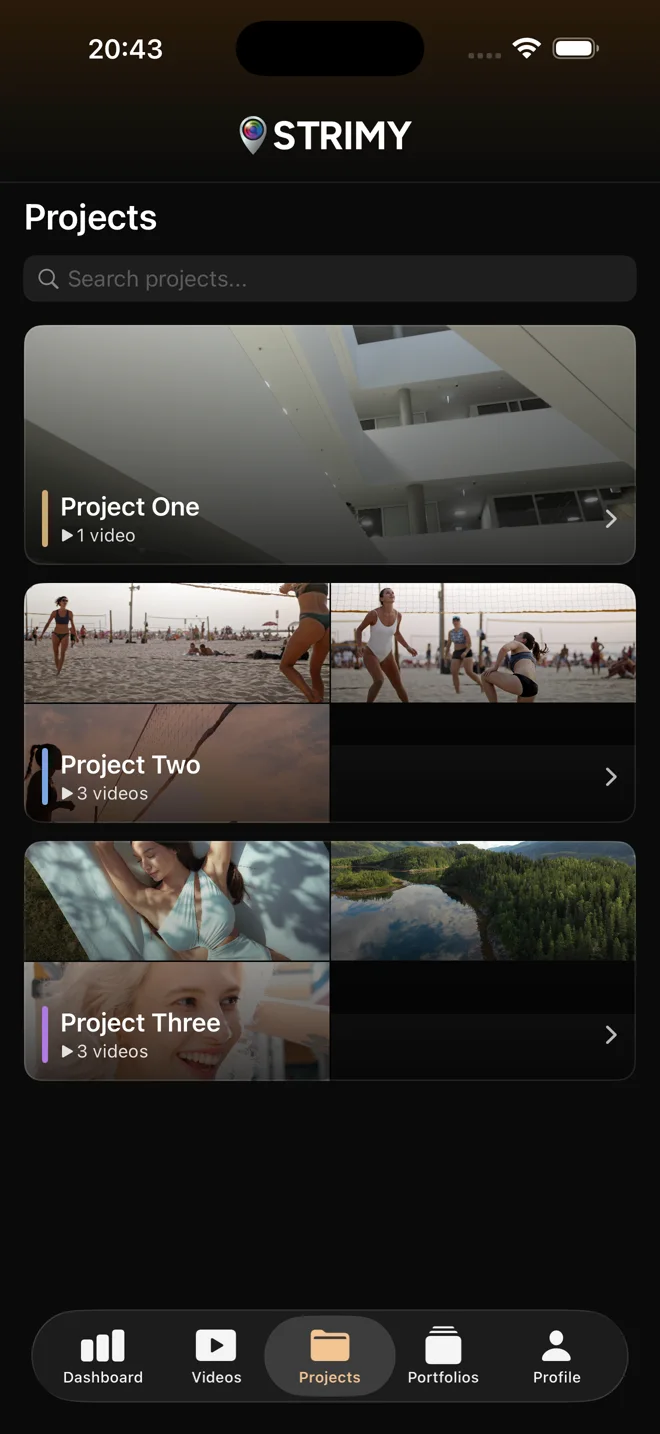
Your videos and projects
Browse your account's videos and projects from your phone, wherever you are.
Your portfolios
Open your portfolios on your phone to check how they look before a meeting with a client.
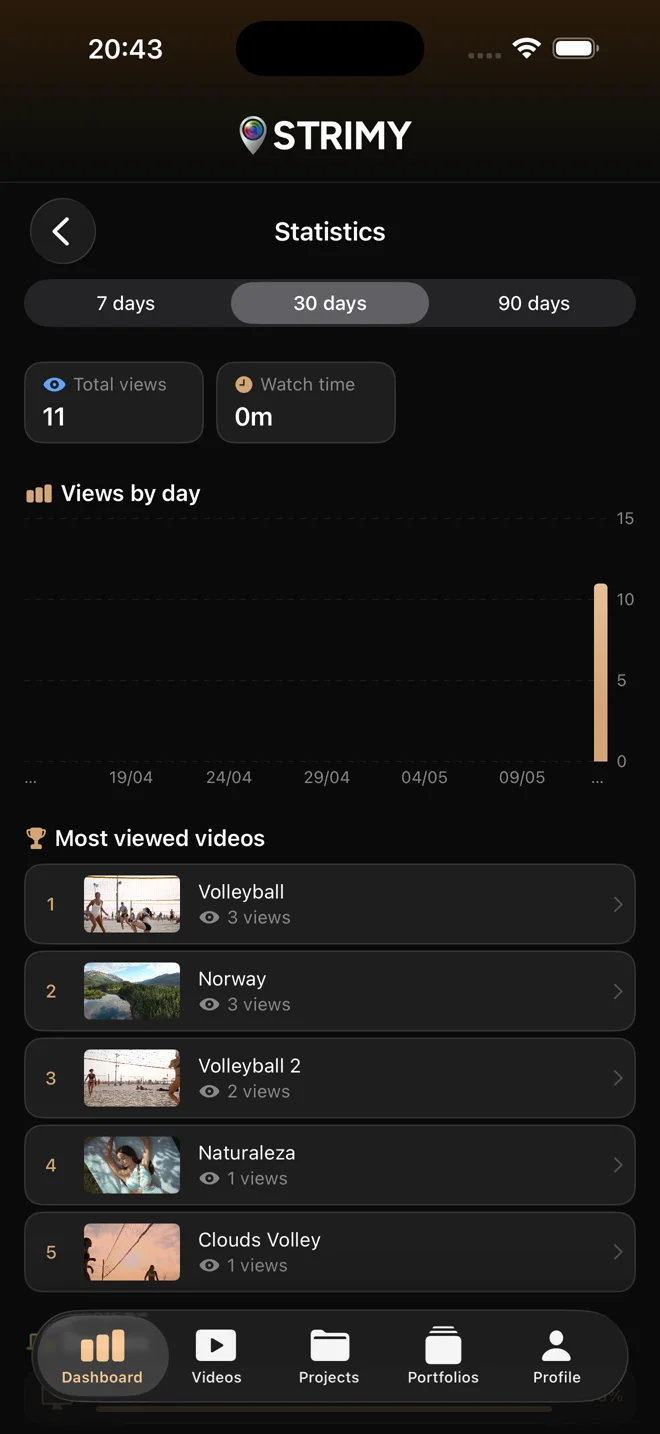
Your stats
See your videos' views and performance without opening your computer.
Your dashboard projects, on your phone too
The projects you organize in the STRIMY dashboard show up in the app when you sign in with your account. The app is for browsing: videos are uploaded from the web.
The app in numbers
- iPhone · iOS 16 or laterNative app, on the App Store
- AndroidNative app, on Google Play
- FreeDownloading costs nothing
- Needs a STRIMY accountYou sign in with the account you already use on the web
- No video uploadsVideos are uploaded from the STRIMY website
- For the videographerYour clients watch deliveries in the browser or on Apple TV
Frequently asked questions about the app
Is the STRIMY app free?
Yes, the app is free on the App Store and Google Play. You need a STRIMY account to sign in.
Can I upload videos from the app?
No, the mobile apps do not upload videos. You upload them from the STRIMY website and then browse them in the app.
What can I see in the app?
Your dashboard, videos, projects, portfolios and stats, with your account's data.
Which iOS version do I need?
iOS 16 or later. The iPhone app is native and downloads from the App Store.
Do my clients have to install the app?
No, the app is for you, the videographer. Your clients watch their deliveries in the browser, without an account, or on TV with the STRIMY TV app for Apple TV.
Don't have an account yet?
Start for free and download the app to manage your professional videos from anywhere.