
STRIMY vs MediaZilla: annual upload quota versus storage
They do the same thing — deliver video to clients under your brand — but they charge differently, and that difference decides which one works out for you. Here it is in the open, with their own figures.
The difference is in the pricing model
| Feature |
|
MediaZilla |
|---|---|---|
| Pricing model | Accumulated storage | Annual upload quota |
| Overage charges | None | $1.25 to $3.75 per GB |
| Named access with per-person analytics | Yes | Not documented |
| Analytics included from the entry plan | Yes, on all of them | From the second plan up |
| Your branding on the gallery | Yes, footer removable on Pro | Yes, no per-plan detail |
| Invoicing | Spanish, in euros with VAT | In US dollars |
| Public API and WordPress plugin | Both | Not documented |
MediaZilla data verified on their pricing page in July 2026. Prices in US dollars; plans and rates may change. Their pricing does not detail custom domain or white-labelling per plan.
Why the pricing model changes everything
It is not a tariff detail: it decides how much you pay based on how you work.
Their entry plan is 50 GB a year
MediaZilla's Starter includes 50 GB of annual upload for about $252 a year. STRIMY's Starter is 512 GB of storage for €149 a year. For a wedding videographer delivering long films, those 50 GB run out fast.
Going over costs extra
Past the quota, they bill the overage: $3.75 per GB on Starter and $1.25 on higher tiers. On STRIMY there is no overage charge because there is no upload quota: the limit is the space you contract and you see it coming.
When theirs works out better
If you upload low volume and delete it after delivering, their annual quota can be cheaper than paying for permanent storage. That is a real scenario and worth saying: it depends on whether you keep a library or not.
Analytics are not standard
Their engagement analytics appear from the Growth plan up; Starter does not include them. On STRIMY, per-video analytics are on every plan from day one, and with named access they are attributed to each person.
Which one suits you
It depends on your working pattern, not on who has more features.
You keep a library
STRIMY. If you keep past years' deliveries because clients come back to watch them, you pay for space occupied rather than for volume uploaded each year.
You upload and delete
Check their numbers. If you deliver and pull the material a few months later, an annual upload quota may suit you better than permanent storage.
You need to know who watched
STRIMY. Named access by email with analytics attributed to each person is not documented in their pricing, and it is what turns "I delivered it" into "they watched it".
Their three plans against ours
Starter: $21/mo billed annually, 1 user, 50 GB a year, overage at $3.75/GB. Growth: $37/mo, 100 GB. Pro: $51/mo, up to 2 users, 600 GB. On STRIMY: 512 GB for €149, 1 TB for €249 and 2 TB for €439, per year and with no overage.
- They count GB uploaded per year; we count GB stored
- They allow 2 users on Pro; STRIMY has no team accounts
- No playback limits on either
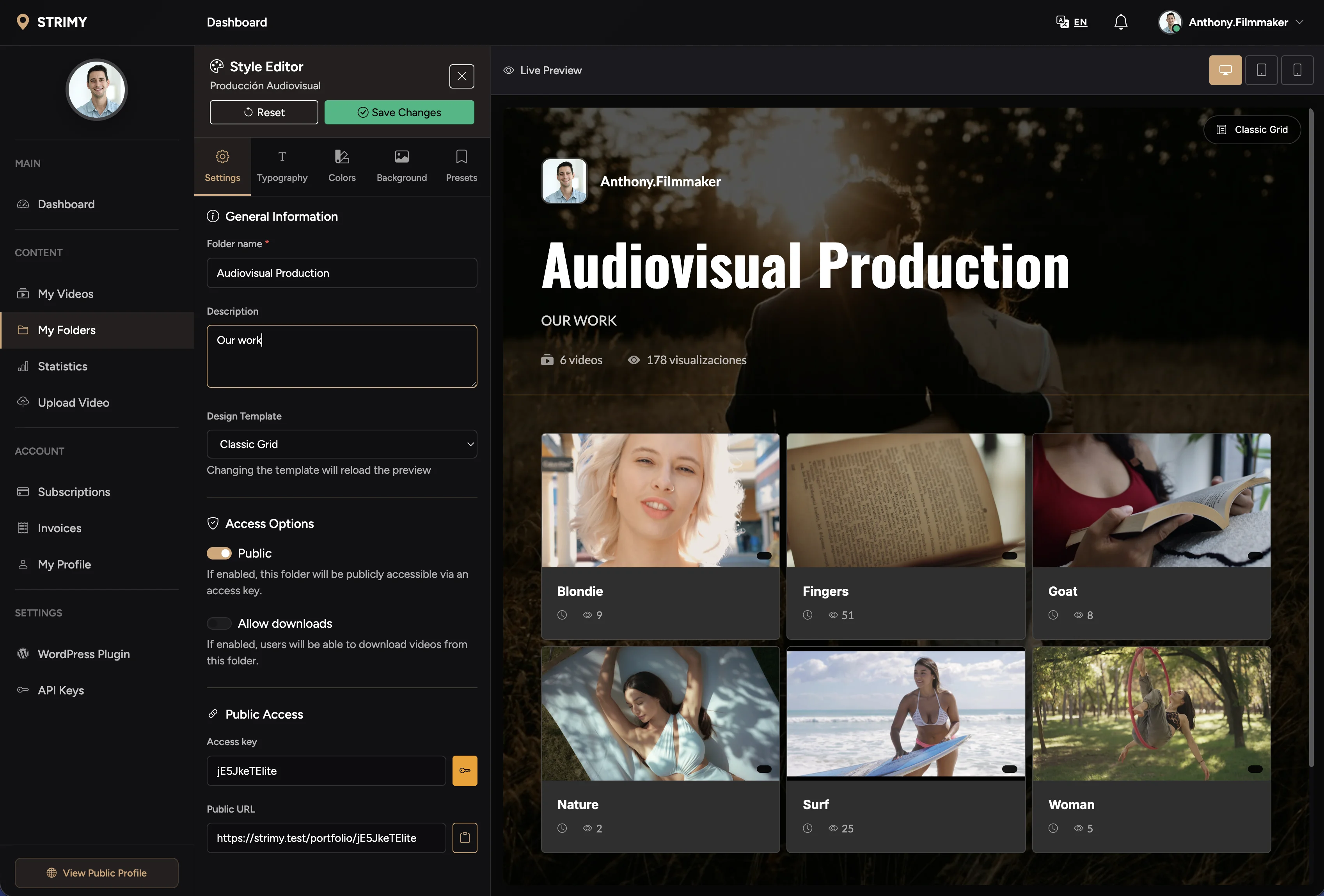
A gallery per client, password protected
On purpose they match: both deliver video to clients in a gallery carrying your brand, with access control. What differs is how you pay and what you learn about each delivery.
- Unlimited galleries and projects
- Password and expiry per gallery
- No sign-up needed for the client
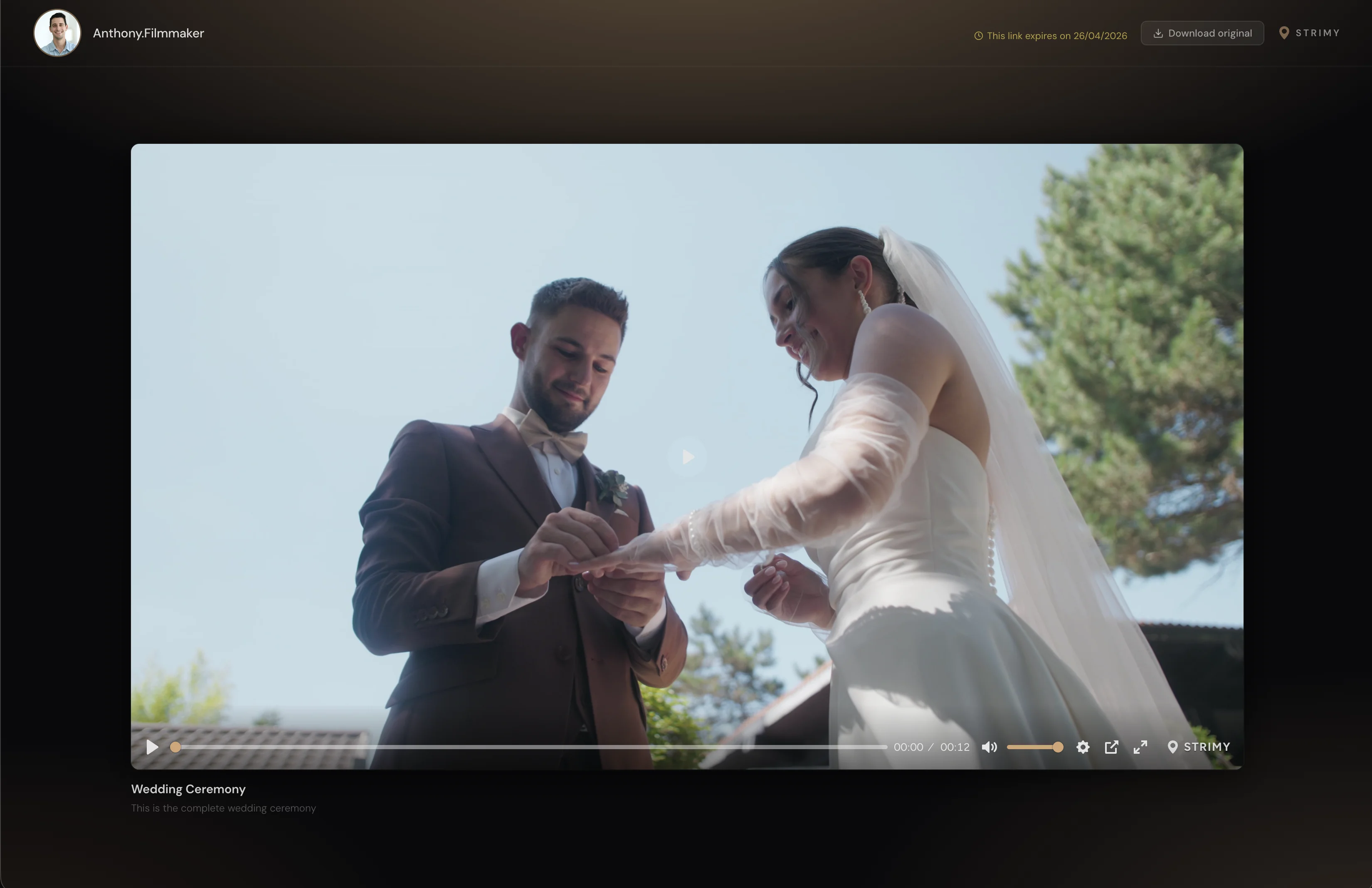
Who watched the delivery, by name
You grant access person by person by email and every viewing figure is tied to someone specific: who opened the gallery, how many times and how much they watched. Included on every plan, not from the second one up.
- Adding, expiry and revocation per person
- Watch time and completion rate per viewer
- Breakdown by country, device and link source
Frequently asked questions
What people coming from MediaZilla ask us
Which is cheaper?
It depends on your pattern. Comparing entry plans, STRIMY gives 512 GB of storage for €149 a year against 50 GB of annual upload for about $252. But if you upload little and delete after delivering, their model may suit you. Look at how much you upload a year and how much you keep.
What happens if I exceed the quota on MediaZilla?
They bill the overage per GB: $3.75 on Starter and $1.25 on higher tiers, per their own pricing. On STRIMY there is no overage charge because you are not billed for uploads but for the space you occupy.
Can I migrate my deliveries?
Download the videos from your galleries and upload them to STRIMY. There is no automatic import, so if you have many active deliveries it is worth doing it in batches, starting with the ones still live for clients.
Do you have team accounts?
No, and they do: their Pro plan allows up to two users. On STRIMY there is one account that publishes and manages, and from it you grant access to as many viewers as you need. If you need two people managing deliveries with separate credentials, that does not exist today.
Do you issue proper invoices?
Yes. Invoices in euros, with VAT, compliant with Spanish VeriFacTu regulation and valid for your accounts. With MediaZilla you pay in dollars and absorb the exchange rate and your bank's fee on every renewal.
Compare with a real delivery
Build a branded gallery in under ten minutes and run the numbers against your own volume. 7 days free, no card.